
School Management Software vs Spreadsheets: Why Excel Is Costing Your School Thousands
Still running fees, attendance, and reports on Excel? Learn the hidden costs—and how MyQampus fixes them fast.
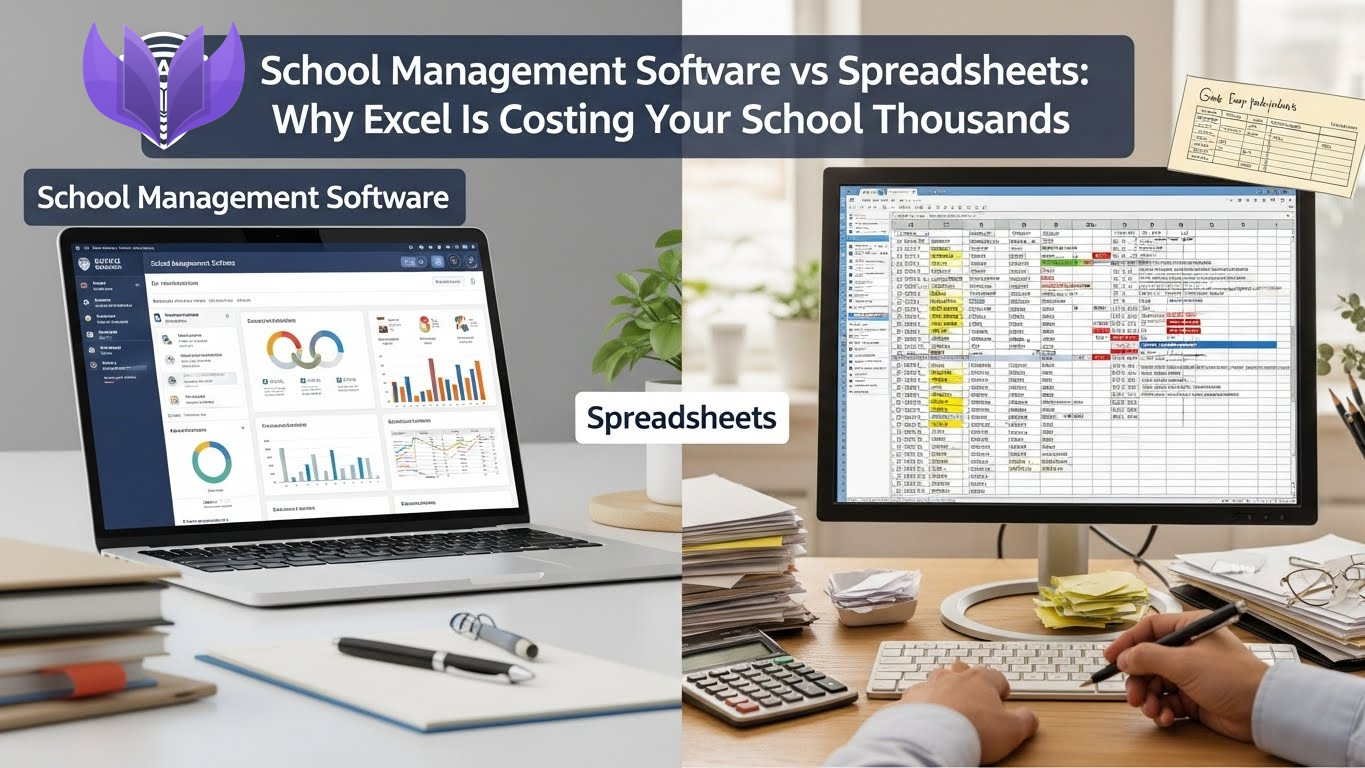
Monday. 9:10 AM.
A principal steps into the office and hears three problems at once:
- Accountant: “Sir, fees don’t match. The register and the Excel file show different totals.”
- Coordinator: “Sir, I need Grade 9 attendance for last month. Which file has the final data?”
- Front desk: “Sir, a parent is on the line—says they paid, but we’re showing ‘pending’.”
You open five different spreadsheets, search through folders, and start cross-checking rows like a detective. Two hours later: the numbers still don’t match, the parent still feels wronged, and your team looks exhausted. If this sounds familiar, you’re not alone. This is the classic spreadsheet trap—and it gets worse every year.
The Excel Trap: How Schools Slide Into Chaos:
Most schools don’t choose chaos. They grow into it.
Year 1 (200 students):
“Excel is fine. One fee sheet. One attendance sheet.”
Year 3 (400 students):
“Okay, we’ll make separate files for fees, attendance, grades, staff records…”
Year 5 (600 students):
“Which is correct: Fees_2026.xlsx, Fees_2026_FINAL.xlsx, or Fees_2026_FINAL_updated2.xlsx?”
Year 7 (800+ students):
“Nothing matches. Nobody trusts reports. Parents complain. Staff spends half their day searching.”
Here’s the core problem:
Excel is great for calculations. It is not built for running a school operation. A school needs data management—not just data storage.
The Hidden Costs of Managing a School on Excel.
Cost #1: Staff Time You Never Get Back.
Let’s take a realistic example from a 500-student school.
Fee inquiry (one parent call):
- Search payment in fee sheet: 10 minutes
- Find receipt in another file: 5 minutes
- Verify / correct entry: 5 minutes
- Send confirmation: 2 minutes
That’s ~22 minutes per inquiry.
If your office handles 25 inquiries/day, that’s:
- 550 minutes/day ≈ 9+ hours/day
One person’s entire day disappears into searching and verifying. Now add attendance reporting, monthly summaries, category lists, performance charts, staff records, and “urgent” requests from leadership.
A common annual total looks like:
- Accountant: 1,600 hours/year
- Coordinator: 600 hours/year
- Admin/front desk: 1,000 hours/year
Total: ~3,200 hours/year wasted. If your blended staff cost is $10/hour, that’s:
3,200 × $10 = $32,000/year — just in wasted time.
With MyQampus: most of those tasks become search + click—minutes, not hours.
Cost #2: Spreadsheet Errors & Reconciliation Fires.
Excel breaks quietly—and then explodes loudly.
Common Excel failures in schools:
- Someone deletes a formula
- Copy-paste shifts data into the wrong column
- Duplicate entries inflate totals
- Old file gets used by mistake
- Multiple people edit different versions
Realistic incident (happens often):
A staff member sorts only one column, and fee amounts “move” to the wrong students. The mistake gets noticed weeks later.
Fixing it usually means:
- 2–3 staff members × 1–2 full days
- Re-checking receipts and bank entries
- Calling parents to confirm payments
Even if you count only staff time, this can cost $500 to $2,000 per incident—plus trust damage.
With MyQampus: controlled data entry + validation + audit history dramatically reduce these errors.
Cost #3: Lost Fee Revenue (The Biggest Leak).
Excel doesn’t chase fees. People do—and people get busy.
Why Excel reduces collections:
- No automatic reminders
- Payment updates happen late
- No defaulter trends (who pays late, when, and why)
- No real-time parent visibility (so calls increase)
A mid-sized school example:
- Annual fee revenue: $1,200,000
- Collection rate using spreadsheets: 85%
- Collection rate after automation: 95%
That’s a 10% improvement:
10% of $1,200,000 = $120,000 recovered per year. Even if your improvement is smaller, the recovered amount usually dwarfs the software cost.
Cost #4: Compliance & Audit Nightmares.
When someone asks for:
- enrollment by category
- defaulter list with outstanding amounts
- attendance percentages by grade
- staff qualification summary
Excel turns it into a scramble:
- “Where is that file?”
- “Which version is correct?”
- “Give me one hour… maybe two…”
Audit prep becomes 2–3 days of chaos.
With MyQampus: reports generate in seconds with consistent data.
Cost #5: Slow Decisions = Missed Opportunities.
In meetings, leaders ask:
- “What’s the 3-year enrollment trend?”
- “Which grades have declining results?”
- “Which months have fee delays?”
- “Which campus has the best attendance?”
With Excel, you often say:
- “I’ll compile it and share later.”
- Later becomes tomorrow. Tomorrow becomes next week.
- Decisions get made without data—or too late.
With MyQampus: dashboards answer questions on the spot.
Cost #6: Staff Frustration & Turnover.
Excel-heavy schools create a painful daily experience:
- Staff feels “always behind”
- Everyone blames everyone when numbers don’t match
- New employees struggle because “only one person knows the system”
- Month-end becomes a dreaded event
Replacing one strong admin/accountant can cost $1,000–$3,000 in hiring and productivity loss (often more, depending on region). And the bigger cost? institutional knowledge walking out the door.
The “Excel Is Free” Myth.
Excel looks free—until you calculate the operational damage.
Excel Total Cost (Typical Annual Impact).
- Wasted staff time: $32,000
- Revenue leakage (fees): $50,000–$150,000 (varies by school)
- Error recovery & reconciliation: $1,000–$5,000
- Turnover & disruption: $2,000–$10,000
Total hidden cost: often $85,000+ per year
MyQampus Typical Cost (Example)
- Software subscription: $2,500/year
- Setup & onboarding: $500 one-time
- Training & support: included
Total: ~$3,000 first year, ~$2,500 after
When schools say, “Excel saves money,” they usually mean:
“We’re not paying a visible invoice.”
But they are paying—quietly—through wasted salaries, lost collections, and operational stress.
When Excel Actually Works (And When It Doesn’t).
Excel is fine for:
- quick calculations
- one-time analysis
- very small datasets
- single-user tracking
Excel fails for:
- multi-user school operations
- ongoing fees + attendance + student records
- automation (reminders, alerts, workflows)
- permissions (teacher vs accountant vs principal)
- audit trails (who changed what, when)
A school is not a spreadsheet. A school is a living operation.
What MyQampus Replaces That Excel Never Can
Here’s what schools typically move to MyQampus for:
- Fee management with live balances and receipts
- Automated reminders (email/SMS/notifications)
- Attendance tracking with instant reports
- Role-based access (principal, teacher, accountant, parent)
- Parent portal/app for real-time visibility
- Audit logs for accountability
- One dashboard instead of 30 files
The biggest change isn’t “new software.” The biggest change is ending the daily hunt for truth.
Bottom Line:
Excel is brilliant at spreadsheets. But if you run your school on Excel, you don’t have a system—you have a fragile pile of files. And the question isn’t:
“Should we upgrade?”
It’s:
“How long will we keep losing tens of thousands every year before we fix it?”
MyQampus helps schools replace spreadsheets with a real, connected management system—so fees reconcile automatically, attendance reports generate instantly, and parents stop calling angry.
FAQs
1) Is switching from Excel to MyQampus difficult?
Not usually. Most schools migrate step-by-step (fees first, then attendance, then academics) with guided onboarding.
2) What if my staff is not tech-savvy?
That’s common. A good school system should feel simpler than Excel—search, click, filter, report. Training typically takes hours, not weeks.
3) Can we keep Excel as backup?
Yes. Many schools export reports anytime, but the goal is to stop operating from multiple conflicting files.
4) How fast will we see ROI?
Often within the first term—through reduced staff workload, fewer fee disputes, and improved collection discipline.
5) What’s the #1 reason schools fail with Excel long-term?
Version control and human error. As the school grows, spreadsheets multiply, ownership becomes unclear, and trust in numbers collapses.