
What Digital Timetables Really Do for Modern Schools (Beyond Just Showing Periods)
In Part 1, we saw how traditional timetables quietly destroy learning time in schools across the USA, Canada, Australia and New Zealand.
Now let’s flip the script. What happens when your timetable is not a dead PDF, but a live, digital system that talks to everyone in real time?
Welcome to the world of digital timetables.
1. Real-Time Updates for Everyone:
In a digital timetable system like MyQampus;
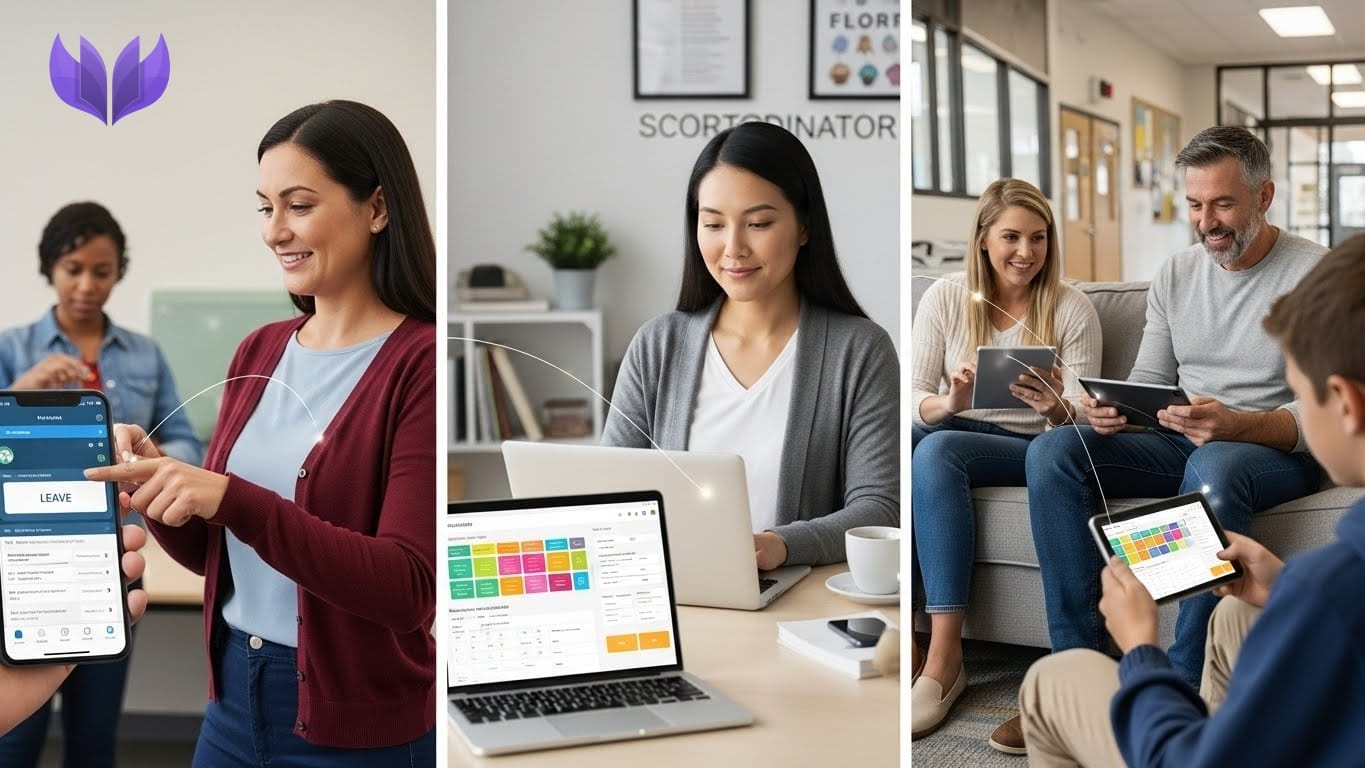
- A teacher applies for leave in the app.
- The coordinator instantly sees which periods are affected.
- Substitutes are assigned in a few clicks.
- Students and parents see the change on their phones.
No whiteboard. No “I didn’t know”. No chaos. In many North American and Australian schools, this is becoming the new basic expectation.
“If the schedule changes, my phone should know.”
2. Built-In Conflict Detection:
With a manual timetable, the only conflict detector is… human memory.
A digital timetable automatically checks, Is this teacher already teaching another class at that time?
- Is this classroom or lab already booked?
- Is this resource (projector, field, auditorium) already allocated?
Instead of discovering the clash at the door of the lab, the system stops you before you save the change. For busy coordinators handling multiple campuses across the US or Australia, this is a game-changer.
3. Different Views for Different People:
Everyone cares about the timetable—but in a different way.
- Students want to know: “What are MY periods today?”
- Teachers want to know: “Where am I teaching today?
- Parents want to know: “What is my child learning this week?”
- Coordinators want a bird’s-eye view of classes, labs and substitutes.
Digital timetables give role-based views:
- Student view: today’s periods, room numbers, teacher names.
- Teacher view: their schedule across grades and rooms.
- Parent view: their child’s weekly timetable, tests and key events.
- Coordinator view: full grid + conflict warnings.
Everyone sees the same truth, formatted for them.
4. Smart Substitute Management:
In many schools, substitute schedules live on:
a)A whiteboard.
b)A paper pinned to the staff room.
c)A Whats App screenshot.
With a digital timetable:
a)Teacher marks leave.
b)System shows open periods.
c)Coordinator selects available substitutes.
Substitute gets a clear notification:
“You’re covering Grade 9A, Period 3, Mathematics, Room 14.”
Students see the updated teacher name in their app. This is now the standard expectation in many modern K-12 schools across North America: no more wandering around looking for which class to cover.
5. Resource & Room Allocation:
Digital timetables don’t just track people. They track places and things:
- Labs (Chemistry, Physics, Computer).
- Sports grounds.
- Libraries.
- Auditoriums.
- Special equipment (projectors, sets, devices).
If a Canadian high school wants to ensure the gym isn’t “mysteriously double booked” for both basketball practice and a graduation rehearsal, they assign it through the system. The timetable becomes a resource manager, not just a period chart.
6. Schedule Intelligence & Well-Being:
A powerful digital timetable doesn’t only display periods—it analyses patterns;
- Are students getting three “heavy” subjects in a row?
- Are teachers getting enough gaps between intense classes?
- Are labs being under-used or over-used?
In high-pressure systems like US college-prep schools or Australian senior secondary programs, this matters. You can design timetables that are:
- Academically strong.
- Logistically realistic.
- Human-friendly.
That means less burnout, better focus and more sustainable schedules.
How MyQampus Brings All This Together:
MyQampus Timetable Manager is built exactly for this reality;
- Cloud-based, so multi-campus schools in different cities or countries stay in sync.
- Real-time updates for students, teachers and parents.
- Role-based dashboards.
- Substitute workflows.
- Conflict detection and resource management.
Instead of coordinators “holding the school together with WhatsApp”, you get a single, reliable system.
In Part 3, we’ll talk about the part principals and owners love most:
the ROI, data and admissions power of digital timetables.
FAQs (Part 2)
1. Can digital timetables handle rotating or block schedules (like in US high schools)?
Yes. Modern timetable systems support fixed, rotating, block and hybrid timetables common in US and Canadian schools.
2. Can we manage multiple campuses or branches with one system?
Platforms like MyQampus are built for multi-campus schools, so you can manage each branch’s timetable while keeping central oversight.
3. How long does it take to switch from paper/Excel to a digital timetable?
Depending on size, most schools can be set up in a few days to a few weeks, with guided onboarding and data import.
4. Will teachers need special technical skills?
If they can use a smartphone and basic apps, they can use a digital timetable. The interface is designed to be simple and intuitive.
5. Is our timetable data secure in the cloud?
Reputable platforms use encrypted connections, role-based access and secure hosting, which is typically more secure than spreadsheets and printed copies.